
Tech
4 easy steps to activate your NIN-SIM linkage, by NCC

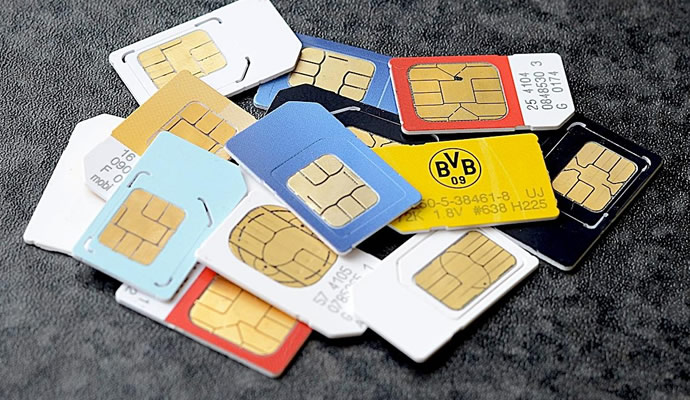
The Nigerian Communications Commission (NCC) has explained why some telecommunications subscribers who previously linked SIM cards to their National Identification Numbers (NINs) have their mobile lines barred.
The NCC last week issued a directive to telecom service providers to bar subscribers who have failed to link their phone numbers to their NIN.
Here is how to connect your NIN-SIM linkage:
If your sim has been barred, you will need to visit your service provider centre and present your NIN or link your SIM through channels provided by your service providers.
To link your SIM through channels provided by your service providers.
The four service providers in Nigeria have designated certain USSD codes for seamless and quick linkage of your NIN and your SIM cards.
1. MTN
Dial *785# using the phone number you wish to link, enter your NIN and submit or dial *785*Your NIN# from the phone number you wish to link.
The number will be linked to your NIN automatically.
2. Glo
Simply send “UPDATENIN NIN FirstName and LastName” to 109.
3. Airtel
Just dial *121*1# now to link.
4. 9Mobile
Dial *200*8# and follow the prompts on your phone screen.




Fresh Panic: Netanyahu is Dead! Viral Claims Rock Israel

Security Chief Names Two States Responsible for Terrorism in Northeast

Top Electricity Company Announces 4-Month Power Outage

Dollar to Naira Exchange rate today, March 19, 2026

Full List of Ministers to Resign from Tinubu’s Cabinet

Fresh Battle as Sultan of Sokoto Challenges Tinubu over Detaining El-Rufai

VIDEO: Tinubu Calls Wike ‘Abuja Landlord’ — Nigerians React to Trending Video

Dollar to Naira Exchange Rate Today, March 18, 2026

BREAKING: CAF Declares Morocco AFCON Winner; Details Emerge

Tinubu Orders Ministers to Resign; Set Deadline
